


Download ZAO – deepfake app, face swap, celebrity filter, video editing tool, AI video tool, face replacement app
Overview
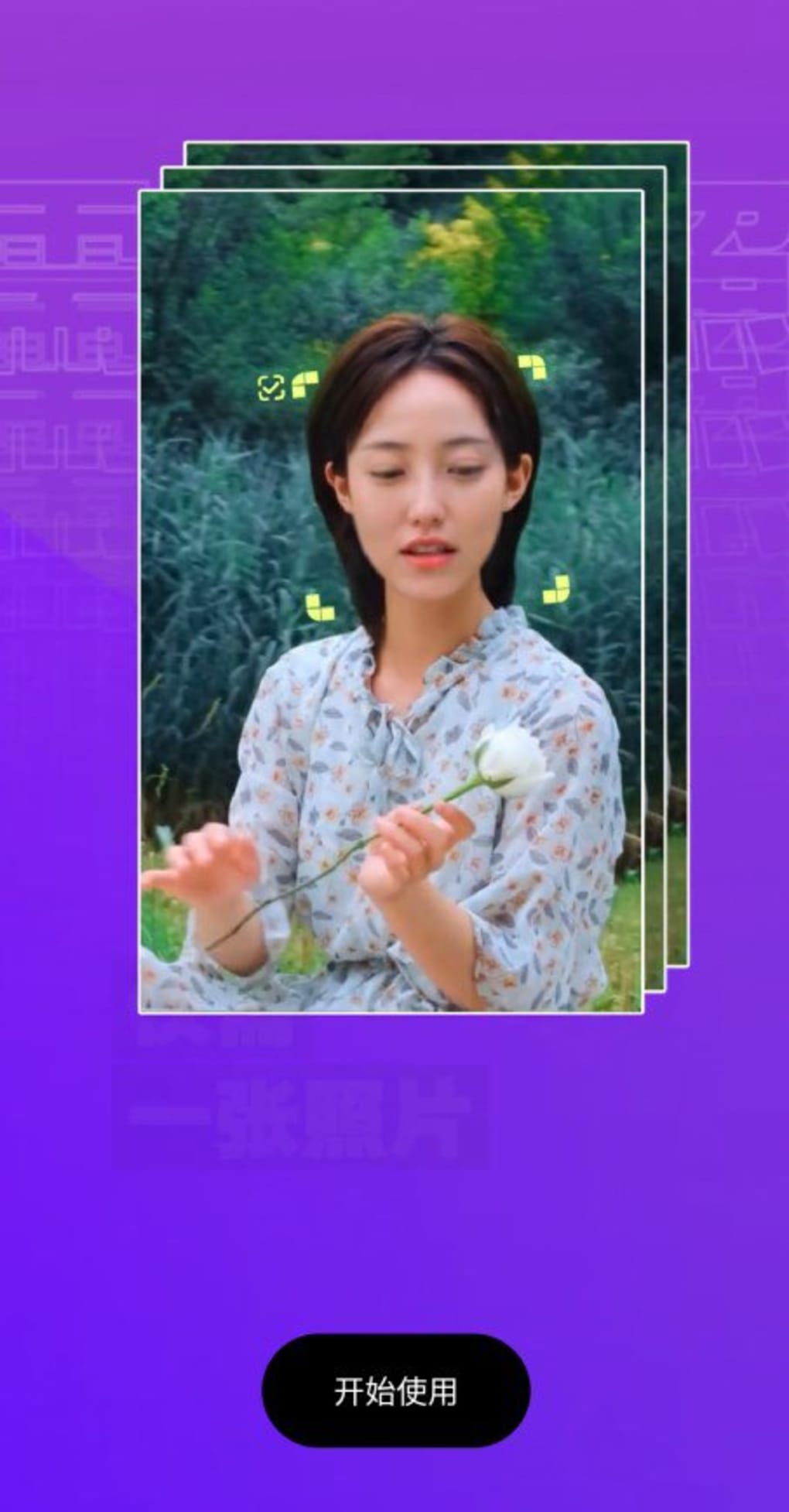
ZAO is a free deepfake application designed to replace the face of fictional characters in video clips with the user’s own face. The app leverages facial recognition and AI-driven animation to map a user’s facial features onto pre-selected scenes from popular movies and TV shows. This allows users to experience a sense of immersion, simulating the feeling of being a celebrity within well-known fictional narratives. The primary use case revolves around entertainment and social sharing, appealing to casual users interested in creative self-expression through digital transformation.
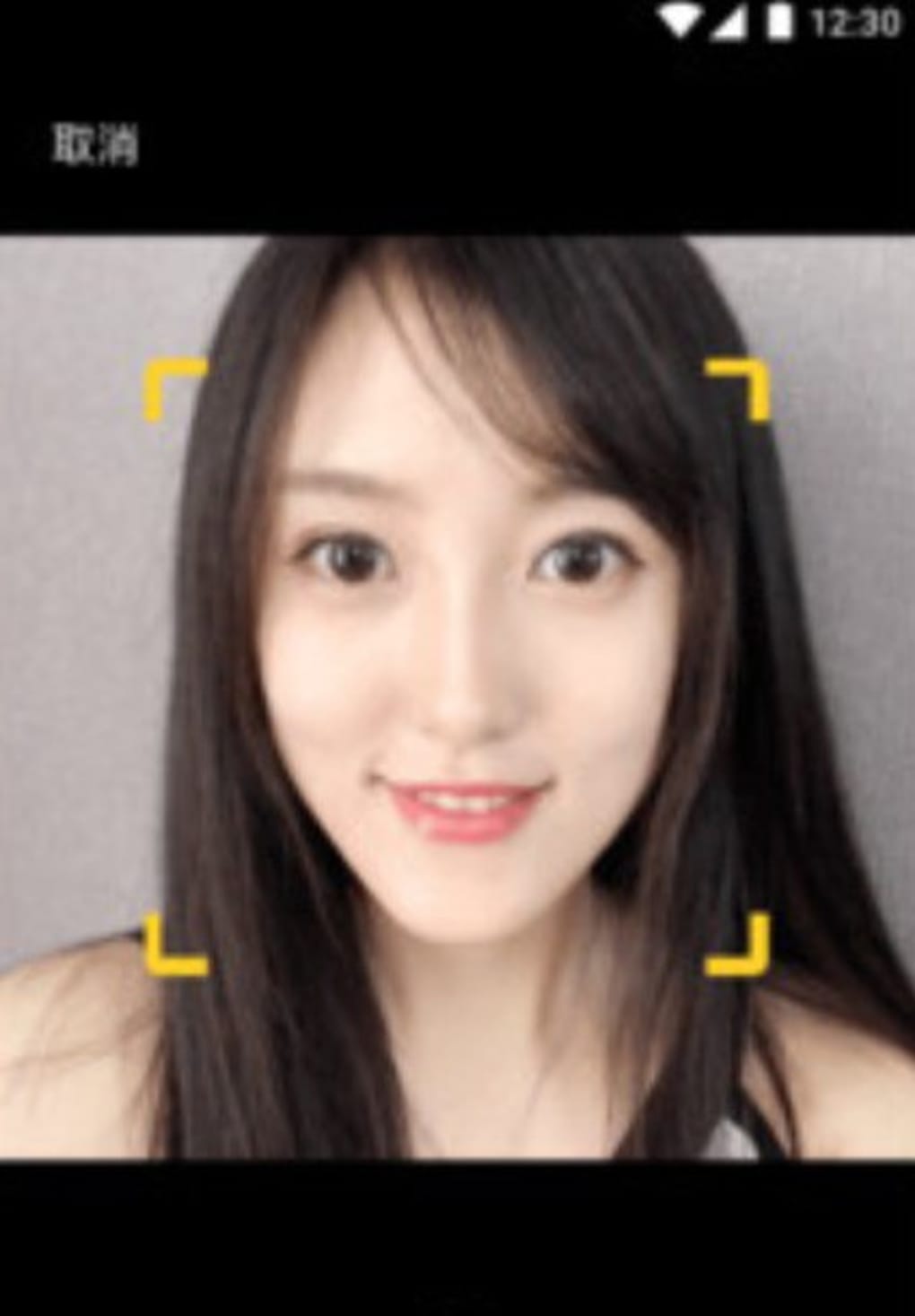
The app is built around a simple premise: users upload a photo of themselves, and the software applies their facial likeness to a character in a short video clip. The resulting output animates the user’s face in real time, mimicking the movements and expressions of the original character. This functionality is similar in concept to FaceApp and Snapchat’s AR filters but operates on video content rather than static images, increasing the realism and engagement factor.
Despite its novelty, ZAO has drawn attention for its privacy implications. The app’s initial data handling practices led to public concern and prompted changes to its privacy policy. While the developer did not provide additional context about data storage or usage, the app’s viral nature and removal from several official app stores underscore the sensitivity of its technology. ZAO remains accessible via third-party sources, though users are advised to exercise caution when downloading.
Key Features & Capabilities
- Face-Swap Video Animation – Uses AI to map a user’s facial features onto pre-recorded video clips of fictional characters, animating expressions and movements in sync with the original performance.
- Pre-Selected Scene Library – Offers a curated selection of movie and TV show scenes for face-swapping, limiting user choice but ensuring compatibility and performance.
- Real-Time Facial Mapping – Processes facial data from a single image to generate a dynamic overlay that responds to motion and speech in the video.
- Entertainment-First Design – Focuses on social sharing and user engagement, with no functionality for creating original video content or editing photos.
- Free Access Model – No cost to download or use, though users are encouraged to review privacy policies due to data handling concerns.
Each feature is tailored to a single purpose: transforming the user into a fictional character within a familiar visual context. For example, a user might swap their face into a scene from a popular drama, resulting in a video where they appear to deliver dialogue as the character. This can be shared on social media for entertainment value. However, the app does not support custom video uploads or editing tools, restricting its use to a narrow range of pre-approved clips.
User Interface, Workflow & Performance
The user interface of ZAO is designed for simplicity, guiding users through a minimalistic workflow: upload a photo, select a scene, and generate the output. Navigation is linear, with no visible settings or advanced tools, reflecting its focus on speed and ease of use. The app’s structure prioritizes the core function—face-swapping—over customization or control.
Workflow efficiency is high for its intended use case. The process from photo upload to video generation is completed in seconds, indicating optimized processing. However, exact performance details were not specified. The developer did not provide information on CPU or RAM usage, nor did they share benchmarks or stability metrics. General software behavior patterns suggest the app operates efficiently on modern Android devices, but users may experience lag on older hardware.
Stability appears to be consistent within the app’s limited scope, though no formal testing data was provided. The app’s reliance on pre-processed scenes reduces the risk of crashes during face-swapping, but users are advised to avoid using it on devices with limited storage, given its 100 MB size. No reported issues with freezing or data loss were mentioned.
Compatibility & System Requirements
ZAO is designed for Android operating systems. The app is available in version 1.0.0 and has a file size of 100 MB. It is compatible with devices running Android, though the specific version requirements were not listed. The developer did not specify minimum hardware requirements such as RAM, processor speed, or storage capacity.
Compatibility information was partially provided. While the app is available on Android, it is no longer accessible through official app stores in many regions due to privacy concerns. As a result, users must obtain the APK file from third-party websites, which introduces additional risks. The developer did not provide guidance on whether the app supports tablets or wearables.
Exact system requirements were not listed. Users are advised to ensure their device meets general Android standards for running third-party applications. The app’s size suggests it is lightweight, but performance may vary depending on device capabilities.
Pros and Cons
Pros
- Simple and intuitive interface ideal for casual users
- Fast face-swapping with real-time animation
- Highly engaging for social media and entertainment
- Free to download and use
- Uses AI technology to produce realistic results
Cons
- Only supports a limited selection of pre-approved video scenes
- No ability to upload custom videos or edit photos
- Removed from official app stores due to privacy concerns
- Privacy policy changes indicate data handling risks
- Restricted to Android only; no Mac or Windows support
FAQ Section
Is ZAO available on iOS?
ZAO is not available on iOS. The app is currently limited to Android devices and can only be accessed through third-party sources.
Can I use my own video clips with ZAO?
No. The app does not support custom video uploads. Users can only apply face-swapping to a predefined library of movie and TV show scenes.
Is ZAO safe to use?
Due to its privacy policy changes and removal from official app stores, users should exercise caution. The app may collect personal data, and its handling practices are not fully transparent.
How often does ZAO update?
The release date of version 1.0.0 was October 1, 2018. No information about update frequency or future releases was provided by the developer.
Can I use ZAO offline?
While the app may function without an internet connection after installation, the initial setup and scene selection require online access. The developer did not specify full offline capabilities.
Final Thoughts + CTA
ZAO delivers a unique, immersive experience by transforming users into fictional characters through AI-powered face-swapping in video clips. Its entertainment value is undeniable, offering a fun way to engage with pop culture and share creative content. However, its limitations—such as a restricted scene library, lack of customization, and privacy concerns—significantly reduce its long-term utility.
While the app is free and easy to use, its removal from official app stores and unclear data policies make it a high-risk choice. Users seeking similar experiences should consider safer, more feature-rich alternatives that offer greater control and transparency.
For those still curious about the technology, downloading ZAO is possible—but only from trusted third-party sources and with full awareness of the risks involved. If you're ready to try this viral sensation, download ZAO now.






.png)
